CONTENT / 01
Live Casino Tables Against Slots — Which Section Fits You
Not everyone comes to the fg90 lobby for the same reason. Some open the lobby for the live dealer experience — a real table stream where you can see the cards dealt or the roulette wheel spin in real time. If you prefer slots, the grid view lets you sort by category tab rather than scrolling the entire library. Selecting a tab such as table games, slots or crash isolates only those titles, which shortens the time spent looking for a format you already have in mind. Both sections — live dealer and slots — share the same lobby navigation bar, so switching between them requires a single tap rather than returning to the home page.
-
Slots Zone
Slots run at your own pace and work well on a phone screen. The stake is set before the round starts, the result is shown immediately, and you can leave at any point.
-
Live Casino Tables
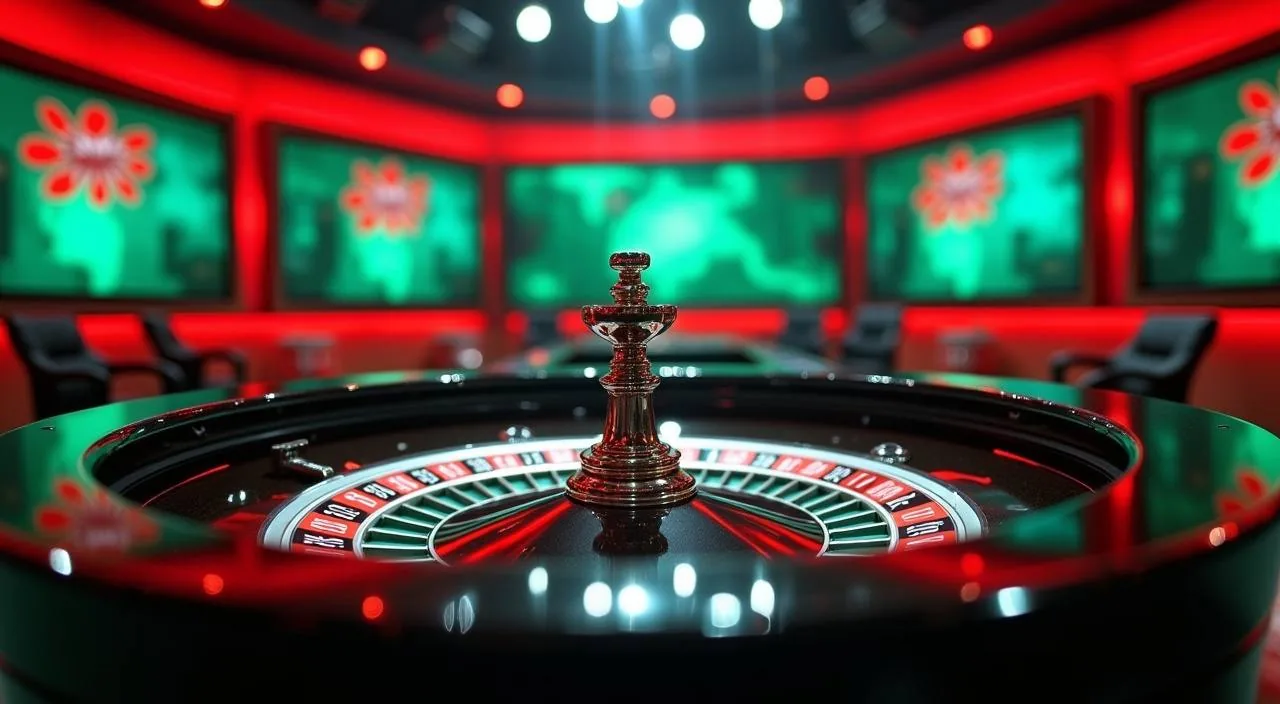
The live casino section streams real dealer tables including Roulette Fireball. A stable connection improves the experience here — mobile browsers on a strong signal handle the stream well, but a desktop browser gives you the widest view of the table layout and betting grid before the round closes.
-
Sportsbook Markets
Cricket is the headline category in the fg90 sportsbook, covering IPL, BPL and international fixtures through Cricket Expert Bets and related markets. The sportsbook section is separate from the casino lobby. Navigate to it from the main menu tab rather than from within the slots or live casino zones to avoid confusion.
CONTENT / 02
Explore Slots, Live Casino and Table Games in One Place
The fg90 game catalog is organised by category — slots, live casino tables and table games each have their own section in the lobby. Switch between categories using the tab row at the top of the games page; you will never lose your place when moving between casino and slots.
CONTENT / 04
fg90 lobby studios
The fg90 lobby carries content from Spadegaming, Joker, JDB, CQ9. To check the studio, rules or features of one specific game, open that game card or the published information panel.
-
Spadegaming
-
Joker
-
JDB
-
CQ9
CONTENT / 03
Open fg90 on Your Phone Without a Separate Download
The fg90 lobby runs in a mobile browser without a separate app download. Open fg90 in Chrome or any standard Android or iOS browser and the layout adjusts to your screen automatically.
-
Browser-Based Access
fg90 runs in your existing mobile browser — no install required. Open fg90, log in with your account email and password, and the lobby adapts to your screen size. The category rail, game cards and wallet are all accessible from the same browser session without downloading a separate application to your device.
-
Mobile Wallet Payments
Nagad and Rocket deposits are available directly from the mobile wallet section in your fg90 account. The deposit form is designed for a phone screen, so you can complete the steps without zooming or switching orientation. Bank Transfer is also available on mobile but requires verified account details to be saved first in account settings.
-
Session Continuity Across Devices
Your fg90 account balance and transaction history are stored server-side, not on the device. If you start a session on your phone and continue on a laptop later, everything is in sync when you log in.
 App / Casino